Invisible Message Sender, Send Blank Text Easily
Updated on
Send invisible, blank messages on any chat app.
This tool generates Unicode spaces for formatting, usernames, and design. Nothing is installed or stored.
This tool generates Unicode spaces and special characters for formatting, usernames, testing, and design purposes. No software is installed, no personal data is collected, and no device changes are made.
This tool is intended for formatting and design use only.
An invisible message is a message that appears completely blank when received. No text, no image, just an empty message bubble in the chat. The recipient sees that you sent something, but the message content appears as nothing.
The InvisiGenz invisible message sender gives you the invisible character that triggers this effect. Copy it, paste it into any message field, and send. It works on WhatsApp, Instagram, Telegram, iMessage, and most other messaging apps.
What Is an Invisible Message?
An invisible message uses a Unicode character that produces no visible output when rendered. Messaging apps require at least one character before the send button activates. A regular space is usually stripped when you try to send it. The invisible Unicode character satisfies the character requirement without producing any visible text.
The sent message shows up in the chat as a blank bubble. The notification on the recipient’s device may show a blank preview or a very short placeholder depending on the app and device.
How Is an Invisible Message Different from a Secret Message?
A secret message hides its content. The content exists but is not immediately readable. Cipher text, code words, and encoded messages are all forms of secret messages where meaning is concealed.
An invisible message has no visible content at all. There is nothing hidden inside it. It is a blank message that achieves its effect through the absence of visible characters, not through the concealment of existing ones.
Is an Invisible Message the Same as Encryption?
No. Encryption scrambles content using a cryptographic key so that only someone with the correct key can read it. Decryption reveals the original message.
An invisible message using a Unicode character is not encrypted. It is simply blank. There is no hidden text to decrypt. The character is a real Unicode code point with no visual representation. The message content is genuinely empty.
How Do You Send an Invisible Message?
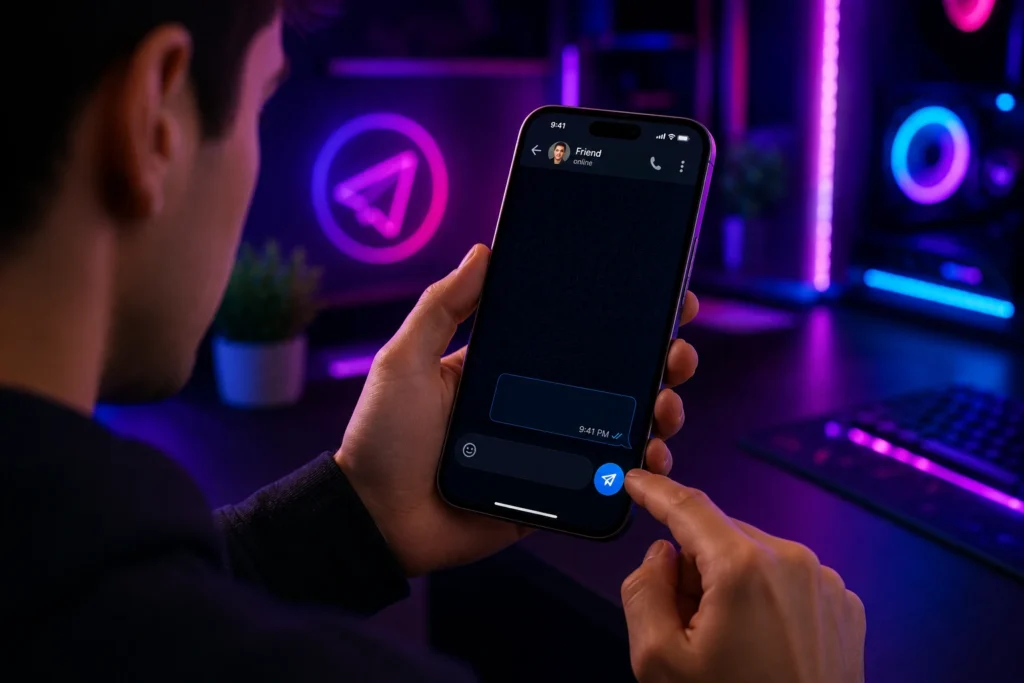
The method is the same across all messaging apps.
Step 1: Copy the Invisible Character
Click or tap the copy button on the InvisiGenz invisible message sender tool. The invisible character is saved to your clipboard. Nothing visible is copied, but the Unicode character is ready to paste.
If you want to choose a specific invisible character type or copy multiple invisible characters at once, visit the invisible character generator.
Step 2: Open Your Messaging App
Open WhatsApp, Instagram, Telegram, iMessage, Signal, or any other messaging app. Navigate to the conversation where you want to send the invisible message.
Step 3: Paste and Send
Tap and hold inside the message input field until the Paste option appears. Tap Paste. The field will appear empty, but the invisible character is there. Tap the Send button. It will now be active because the field contains a character. The invisible message is sent.
How Do You Send Invisible Messages on WhatsApp?
WhatsApp blocks sending messages with an empty text field. It also strips regular spaces. The invisible Unicode character bypasses this.
Copy the character from this page. Open WhatsApp and navigate to a chat. Tap the message field. Long-press and select Paste. The send button will activate. Tap it to send the blank message.
On WhatsApp Web, use Ctrl+V to paste the invisible character into the message field. Press Enter to send.
The recipient will see a blank message bubble. The WhatsApp notification preview on their device may show no message content or a blank preview depending on their device and WhatsApp version.
How Do You Send Invisible Messages on Instagram?
Instagram Direct allows invisible messages using the same method. Paste the invisible character into the DM message field and tap the Send arrow.
The sent message appears as a blank bubble in the conversation thread. Unlike Instagram’s built-in Invisible Ink feature, which blurs the content until revealed, the invisible character message has no content at all. There is nothing to reveal.
What Is an Instagram Invisible Message Request?
When someone you do not follow sends you a message on Instagram, it goes to your Message Request inbox rather than your main DMs. If that message contains only an invisible character, the notification shows a blank or empty message preview, and the message request appears blank when opened.
This creates the effect of a blank message request, which some users use to get attention or create curiosity. The method is the same: copy the invisible character, paste it into the message field, and send.
How Do You Send Invisible Messages on iMessage?
iMessage on iPhone, iPad, and Mac follows the same process. iMessage requires at least one character before the send button becomes active. The invisible Unicode character meets this requirement.
On iPhone: Copy the character from this page. Open Messages and navigate to a conversation. Tap the message field. Long-press and select Paste. The send button will turn active. Tap it.
On Mac: Open Messages. Navigate to the conversation. Click the message field. Use Cmd+V to paste the invisible character. Press Return or Enter to send.
The received message displays as a blank bubble in the iMessage thread. The notification on the recipient’s device may show a blank message preview or their name only, without any message content.
How Do You Send Invisible Messages on Telegram?
Telegram’s message field also requires at least one character before sending. The invisible character method works the same way.
Copy the character, open Telegram, paste it into any chat or group message field, and send. Telegram group messages, private chats, and channel comments all accept invisible characters.
Telegram also has a Spoiler text feature built into the app, which hides visible text until the recipient taps it. This is separate from the invisible character method, which sends genuinely blank content with no hidden text underneath.
How Do You Send Invisible Messages on Signal?
Signal is a privacy-focused messaging app. It encrypts all messages end-to-end. The invisible character message sent through Signal is encrypted in transit, meaning even the blank invisible character travels securely.
On the recipient’s end, the decrypted message content is blank. Signal does not filter invisible Unicode characters from the message field. Paste the character and send as you would on any other app.
Note that Signal’s desktop app and mobile app both support this method.
How Do You Send Invisible Messages on Twitter or X?
Twitter and X allow invisible characters in tweet text, replies, and direct messages. In DMs, paste the invisible character into the message field and press Send. The message will appear blank in the conversation.
In tweets and replies, the invisible character can be used to send what appears to be an empty tweet. Twitter’s character counter will show one character used, but the tweet displays as blank.
For YouTube-style blank comments, the same invisible character works in YouTube’s comment field. Visit YouTube blank space for the method specific to YouTube.
Does the Invisible Message Work on Android and iPhone?
Yes. The invisible character method works on both Android and iOS. The process is the same on both platforms: copy, paste, send. There is no platform-specific character required for messaging apps.
The difference between Android and iPhone lies in how the pasted character appears in notifications. On some Android devices, notifications display the blank message with no preview text. On iPhone, the notification may show a dash or the sender name only.
Both platforms send and receive the invisible character successfully through all major messaging apps.
Does Invisible Text Work in Gaming Apps and Communities?
The invisible character is widely used in gaming communities, not just for messages but also for player names and clan tags. In games like PUBG Mobile, a blank player name in chat and multiplayer lobbies creates a distinctive appearance. Visit PUBG invisible name for the gaming name method.
BGMI, the Indian version of PUBG Mobile, uses the same invisible character approach. BGMI blank name covers the confirmed characters and steps for that game.
What Is the Difference Between Invisible Text and Steganography?
Steganography is the practice of hiding a message within another message or within a carrier medium such as an image, audio file, or text block. The hidden content exists but is concealed from casual inspection. Zero-width Unicode characters can be used for Unicode steganography, where hidden text is embedded in visible text using sequences of zero-width joiners and non-joiners.
Invisible text as used in this tool is different. The invisible character here carries no hidden message. It is simply a blank character that satisfies the field validation requirement. It is message obfuscation by absence, not steganographic concealment.
Frequently Asked Questions
An invisible message is a chat message that appears completely blank when received. It uses a Unicode character with no visible output. The recipient sees a blank message bubble with no text content.
Copy the invisible character from the tool on this page. Open WhatsApp, navigate to a chat, tap the message field, paste the character using long-press and Paste, and tap the Send button.
Yes. Copy the invisible character, open Messages on iPhone or Mac, paste it into the message field, and send. The iMessage will appear blank to the recipient.
Yes. Paste the invisible Unicode character into an Instagram DM message field and tap Send. The message will appear as a blank bubble in the conversation.
It is a blank message request sent to your inbox from someone you do not follow. The message contains an invisible character, so the content appears blank when you open the request.
Yes. Paste the invisible character into Telegram's message field in any chat, group, or channel comment section and send. The message will appear blank.
No. A secret message hides its content. An invisible message has no visible content at all. There is nothing concealed inside it, just a blank Unicode character.
Yes. The method works the same on Android as it does on iPhone. Copy the character, open any messaging app, paste into the message field, and send.
Steganography hides content inside a carrier. Invisible text using Unicode characters sends a genuinely blank field with no hidden message content. It is different from Unicode steganography, which encodes information using sequences of zero-width characters.
Yes. The InvisiGenz invisible message sender is completely free. No account, sign-up, or payment is required.
