Minecraft Invisible Nickname – Copy and Paste for FREE
Updated on
Generate invisible in-game names for Minecraft.
This tool generates Unicode spaces for formatting, usernames, and design. Nothing is installed or stored.
This tool generates Unicode spaces and special characters for formatting, usernames, testing, and design purposes. No software is installed, no personal data is collected, and no device changes are made.
This tool is intended for formatting and design use only.
How Does the Minecraft Invisible Nickname Generator Work?
This tool generates invisible Unicode characters that you can paste into Minecraft server nickname fields to create a blank display name. The generator provides three character options: Braille Blank (U+2800), Hangul Filler (U+3164), and a zero-width character (U+00). Each option produces a character that renders as empty space in Minecraft’s text engine.
Select your preferred character type using the buttons at the top of the tool. Tap “Copy to Clipboard” to copy the character instantly. If you need multiple invisible characters for a longer blank string, use the quantity selector to generate a specific number and tap “Preview and Copy” to copy the entire block. The verify section at the bottom lets you paste the copied character to confirm it is on your clipboard. The character counter displays the count, confirming a successful copy even though the character is invisible.
How Do You Use the Invisible Character in Minecraft?
Using the invisible character in Minecraft depends on whether you want to blank out your server nickname, hide your nametag above your head, or both. Each method targets a different part of the Minecraft name system.
Understanding Minecraft’s Name System
Minecraft has three separate name layers. Your account username is the permanent name tied to your Microsoft account. Your server nickname is a cosmetic display name set through server plugins. Your nametag is the floating text above your character visible to other players. The invisible character from this Minecraft blank character generator works for server nicknames. Account usernames and nametags require different methods.
Setting a Blank Server Nickname
Most multiplayer servers run nickname plugins like EssentialsX that let players change their display name using the /nick command. To set a blank nickname, copy the invisible character from the tool above. Open the Minecraft chat by pressing T. Type /nick followed by pasting the invisible character (Ctrl+V on PC, Cmd+V on Mac, or long-press Paste on mobile). Press Enter. Your display name in chat and the tab list now appears blank.
The Hangul Filler (U+3164) is the most reliable character for server nicknames because most plugins accept it as a valid letter. If the server rejects it, try the Braille Blank (U+2800), which passes validation on servers that filter the Hangul Filler. For a complete walkthrough of every method including commands, potions, and plugin options, the Minecraft invisible name guide covers each approach in detail.
Hiding Your Nametag in Java Edition
The nametag floating above your head is separate from your nickname. Changing your nickname does not hide the nametag. In Java Edition, you hide the nametag using the built-in team system.
Open the chat and enter these three commands in order:
/team add hidden
/team modify hidden nametagVisibility never
/team join hidden YourUsername
Replace “YourUsername” with your actual Minecraft username. After running all three commands, your nametag disappears from other players’ view. Your character model remains visible, but the name text above your head is gone.
Combining the invisible nickname with the hidden nametag gives you complete name invisibility: blank in chat, blank in the tab list, and invisible above your head.
Hiding Your Nametag in Bedrock Edition
Bedrock Edition does not support the /team nametag visibility command. The alternatives are less direct but still effective.
Invisibility Potion. Drinking a Potion of Invisibility hides your character model. Remove all armor before drinking, as armor pieces remain visible even while invisible. On some Bedrock versions, the nametag also becomes invisible while the potion is active.
Sneaking. Holding the crouch/sneak button reduces nametag visibility. Your name fades when other players are at a distance and disappears completely when you are behind a solid block.
Add-ons. Third-party behavior packs from MCPEDL and Modrinth can disable nametag rendering entirely. These work in both single-player worlds and self-hosted servers.
Which Invisible Character Works Best for Minecraft?
Not every invisible character behaves the same way in Minecraft’s text engine. The right choice depends on your server’s plugin configuration.
Hangul Filler (U+3164)
This is the recommended first choice. The Hangul Filler is classified as a letter in Unicode, which means most server plugins accept it in the /nick field without triggering validation errors. It renders as completely blank space in Minecraft’s chat, tab list, and nametag display. The tool above generates this character when you select the “Hangul” button.
Braille Pattern Blank (U+2800)
The Braille Blank is the best alternative when the Hangul Filler is rejected. It is classified as a symbol in Unicode, which gives it a different validation profile. Some servers that block the Hangul Filler accept the Braille Blank and vice versa. Select the “Braille” button in the tool to generate this character.
Zero-Width Characters
Zero-width characters like the Zero-Width Space (U+200B) and the Word Joiner (U+2060) have zero advance width and no visible glyph. They work on some servers but are more commonly stripped by plugin-level text processing. Use these as a third option when both the Hangul Filler and Braille Blank fail. The full invisible name tutorial for Minecraft includes troubleshooting steps for each character type.
Which Minecraft Server Plugins Support Invisible Nicknames?
Server plugins handle nickname input differently. Compatibility depends on the plugin and its configuration.
EssentialsX
EssentialsX is the most popular server management plugin. It provides the /nick command for nickname changes. By default, EssentialsX may restrict nicknames to alphanumeric characters. If the invisible character is rejected, the server administrator can adjust the nickname-regexp setting in the EssentialsX configuration file to allow Unicode characters.
NametagEdit
NametagEdit is a dedicated nametag management plugin. It allows server administrators to set custom nametags for players, including blank ones using invisible characters. The plugin provides both command-based and GUI-based nametag editing.
DonutHide and HideTag
These lightweight plugins provide simple toggle commands (/hide) that let players show or hide their nametags without changing their nickname. They are ideal for minigame servers and roleplay servers where temporary name hiding is needed.
Vanilla (No Plugins)
On vanilla servers without plugins, the /nick command is not available. The only built-in option is the /team command for hiding nametags in Java Edition. Vanilla servers do not support cosmetic nickname changes at all.
What Are Common Use Cases for Invisible Minecraft Nicknames?
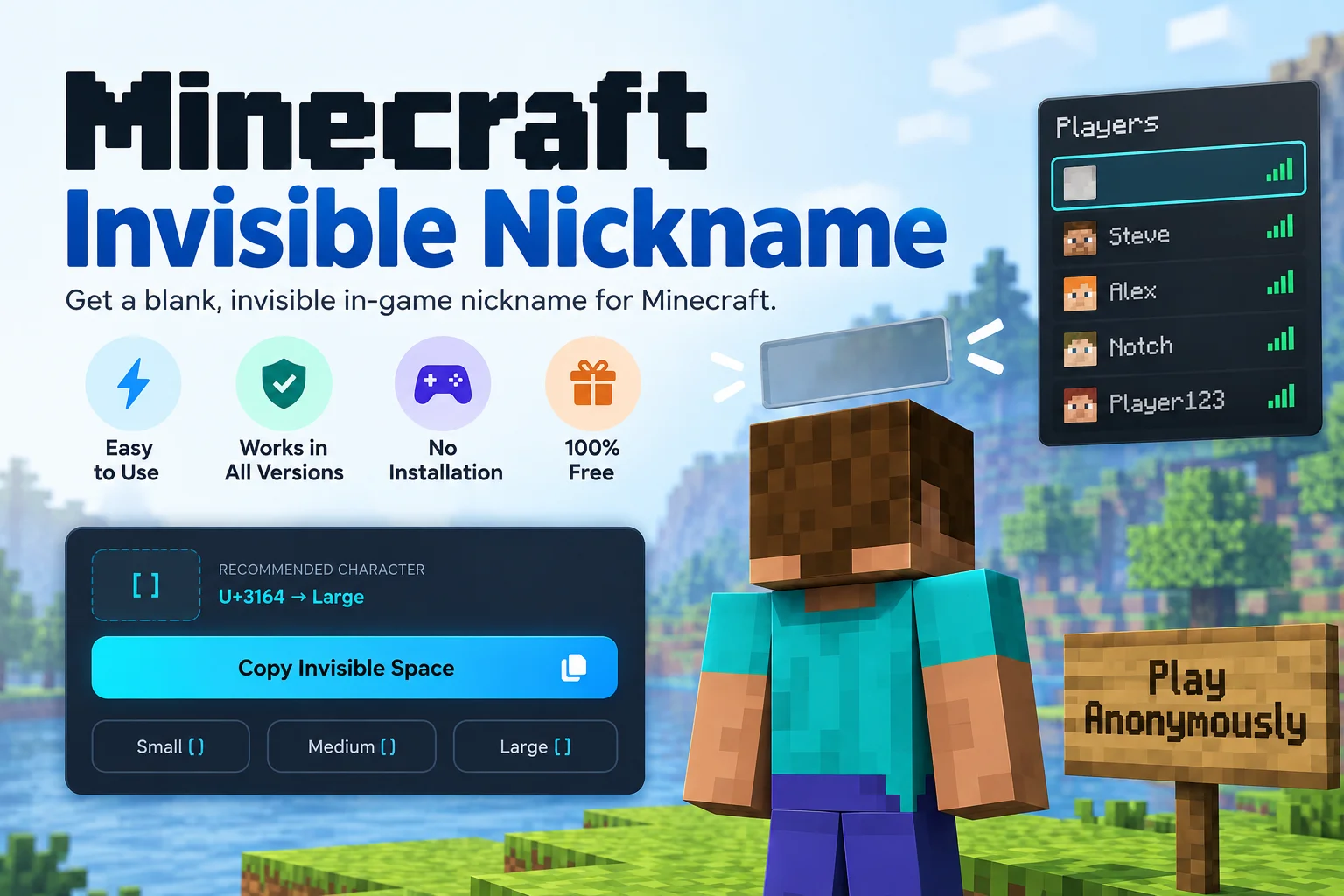
Players use invisible nicknames for several purposes across different gameplay modes.
PvP and Competitive Play
A blank nickname makes you harder to call out in team fights. Opponents cannot quickly communicate your location using your name, giving you a small tactical advantage in competitive server gamemodes.
Roleplay Servers
Roleplay servers often benefit from hidden nametags and blank nicknames. Removing the floating name above a character increases immersion, especially in story-driven environments where character identity is revealed through dialogue rather than a nametag.
Minigames
Hide-and-seek, murder mystery, and manhunt gamemodes become more challenging when seekers cannot rely on nametags to find hidden players. Server administrators often use invisible nickname tools to configure these gamemodes.
Pranks and Social Play
Sending chat messages from a blank nickname creates confusion in multiplayer servers. Messages appear in the chat without an obvious sender, which makes for entertaining social interactions in casual environments. For a deeper look at how invisible characters work across Minecraft including signs, books, and chat formatting, the full guide covers every in-game application.
What Is the Difference Between a Blank Nickname and a Hidden Nametag?
These two features are separate systems that affect different parts of the Minecraft interface.
Blank Nickname
A blank nickname changes your display name in chat messages and the player tab list (the list you see when pressing Tab). Other players see your messages appear with no visible name. The tab list shows a blank entry. Your nametag above your head is not affected by the nickname change.
Hidden Nametag
A hidden nametag removes the floating text above your character’s head. Other players cannot see your name when looking at your character in the game world. Your chat messages and tab list entry are not affected by the nametag visibility setting.
Full Invisibility
To achieve complete name invisibility, you need both: a blank nickname (via /nick with the invisible character) and a hidden nametag (via /team commands or a plugin). Using only one method leaves your name visible in the other context.
Final Takeaways
The Minecraft Invisible Nickname generator provides the exact invisible characters you need to create a blank display name on Minecraft servers. Copy the Hangul Filler for the broadest plugin compatibility, or use the Braille Blank as an alternative. Paste the character into the /nick command on any server running EssentialsX or a similar nickname plugin. Combine the blank nickname with the /team nametagVisibility never command in Java Edition for complete name invisibility across chat, the tab list, and the in-game nametag.
The tool works on PC, Mac, and mobile devices. Copy the character once and paste it into Minecraft’s chat input. The verify section confirms your clipboard contains the character before you switch to the game. For a full step-by-step guide covering every method, edition, and plugin configuration, visit the complete Minecraft invisible name tutorial.
Frequently Asked Questions
Your Minecraft account username is managed through your Microsoft account. Microsoft requires usernames to contain alphanumeric characters (A through Z, 0 through 9, and underscores). Invisible Unicode characters are not accepted in the account username field. The blank name effect only works through server nickname plugins, not through the official account system.
The /nick command requires a server plugin like EssentialsX, which is available for Java Edition servers running Spigot or Paper. Bedrock Edition servers running different software may or may not support equivalent nickname plugins. Check whether your Bedrock server supports a nickname command before attempting to use the invisible character.
Server rules vary. Some servers prohibit blank nicknames because they make player identification difficult for moderators. Others allow them freely. Always check the server rules before setting an invisible nickname. If a server bans blank nicknames, an administrator can reset your display name without banning your account in most cases.
This error comes from the server plugin's nickname validation. The plugin is configured to accept only letters A through Z and numbers. The server administrator can change this by modifying the nickname-regexp setting in the plugin configuration to allow Unicode characters. Contact your server admin if you receive this error.
Server administrators can see your actual account username through server logs and moderation tools regardless of your nickname. Regular players see a blank name in chat and the tab list but cannot determine the specific invisible character used. Typing /seen or checking the player list through admin commands reveals your real account name.
The Braille Pattern Blank (U+2800) works on Minecraft signs to create blank lines. You can paste it onto a sign to produce empty-looking text that occupies a line without displaying anything visible. Books and quills also accept invisible characters for formatting purposes, such as creating spacing between paragraphs.
The character limit depends on the server plugin's configuration. Most plugins set a maximum nickname length (commonly 16 to 32 characters). A single invisible character is sufficient to create a blank nickname. Using multiple invisible characters produces the same visual result but consumes more of the character limit.
